Owner and clinic team views
Sign in with an authorized clinic identity. This step belongs to the authenticated workflow described above and follows the clinic's applicable permissions.
A clinic owner, clinician and receptionist do not need identical tools. Rumi Dental presents role-relevant workspaces while the authenticated system continues to enforce the permissions and features actually available to each user. This public page describes the experience, not the private permission configuration.
Help each team member find the practice tools relevant to their role.
A doctor starts from clinical tasks while front-desk colleagues see their own daily operational tools.
Connected workflow · Clinic teamsExplore the major moments of role-specific workspaces and see how the workflow is organized inside Rumi Dental.
Sign in with an authorized clinic identity.
Every service connects to a specific part of the practice. These are the documented capabilities behind this part of the experience.
Sign in with an authorized clinic identity. This step belongs to the authenticated workflow described above and follows the clinic's applicable permissions.
Find the workspaces relevant to the assigned role. This step belongs to the authenticated workflow described above and follows the clinic's applicable permissions.
Continue with features allowed by the clinic plan and permissions. This step belongs to the authenticated workflow described above and follows the clinic's applicable permissions.
A clinic owner, clinician and receptionist do not need identical tools. Rumi Dental presents role-relevant workspaces while the authenticated system continues to enforce the permissions and features actually available to each user. This public page describes the experience, not the private permission configuration.
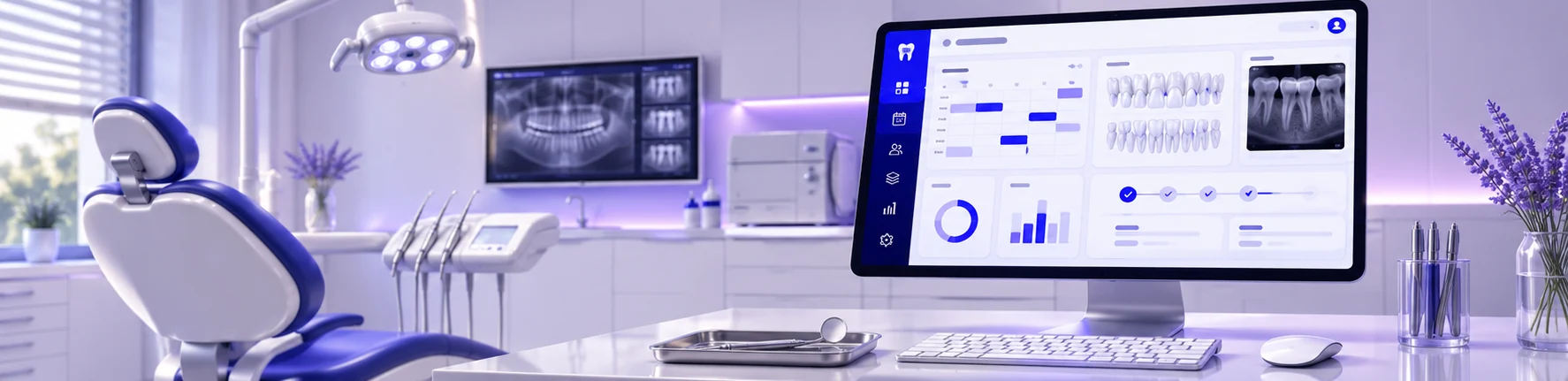
This page introduces the workflow. The examples here show how the workflow is organized inside Rumi Dental. Full access is available within the appropriate signed-in workspace.
This service is designed for clinic teams and is delivered through the appropriate signed-in workspace.
No. These are public interface previews. Private patient records and clinic operations are available only inside the authenticated portal.
See how Rumi Dental can bring the people, services and everyday work of your clinic together.