Practice details
Review the clinic's public and operational details. This step belongs to the authenticated workflow described above and follows the clinic's applicable permissions.
Clinic settings connect the practice's identity, branches and available resources to the wider portal. Authorized users can maintain supported configuration while everyone else continues to use the workflows appropriate to their account.
Manage permitted clinic details and operating settings for the practice and its branches.
A clinic owner updates practice details and reviews which resources are available at each branch.
Connected workflow · Clinics & ownersExplore the major moments of clinic settings & configuration and see how the workflow is organized inside Rumi Dental.
Review the clinic's public and operational details.
Every service connects to a specific part of the practice. These are the documented capabilities behind this part of the experience.
Review the clinic's public and operational details. This step belongs to the authenticated workflow described above and follows the clinic's applicable permissions.
Configure supported branches and resources. This step belongs to the authenticated workflow described above and follows the clinic's applicable permissions.
Save changes through authorized settings. This step belongs to the authenticated workflow described above and follows the clinic's applicable permissions.
Clinic settings connect the practice's identity, branches and available resources to the wider portal. Authorized users can maintain supported configuration while everyone else continues to use the workflows appropriate to their account.
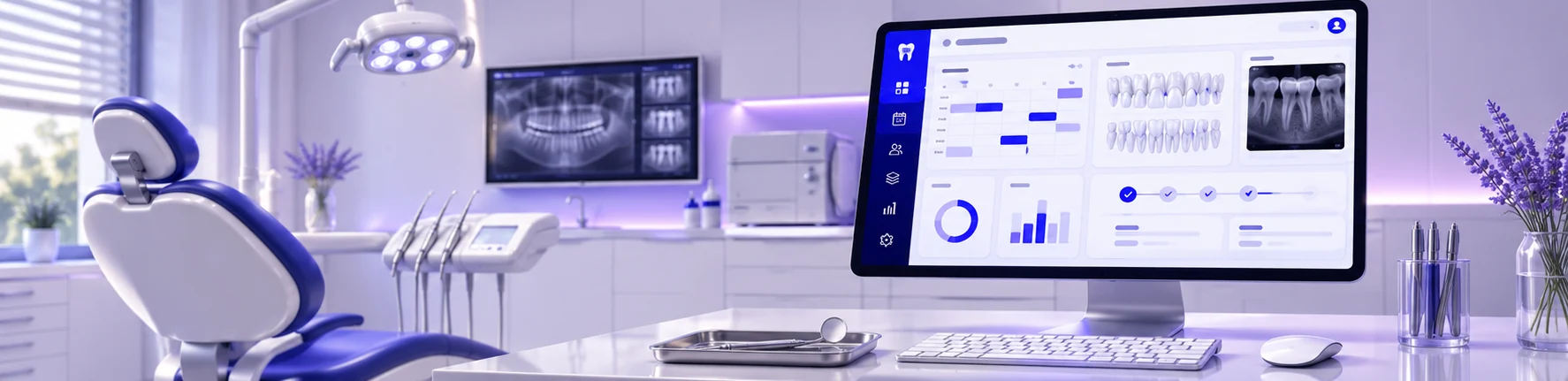
This page introduces the workflow. The examples here show how the workflow is organized inside Rumi Dental. Full access is available within the appropriate signed-in workspace.
This service is designed for clinics & owners and is delivered through the appropriate signed-in workspace.
No. These are public interface previews. Private patient records and clinic operations are available only inside the authenticated portal.
See how Rumi Dental can bring the people, services and everyday work of your clinic together.