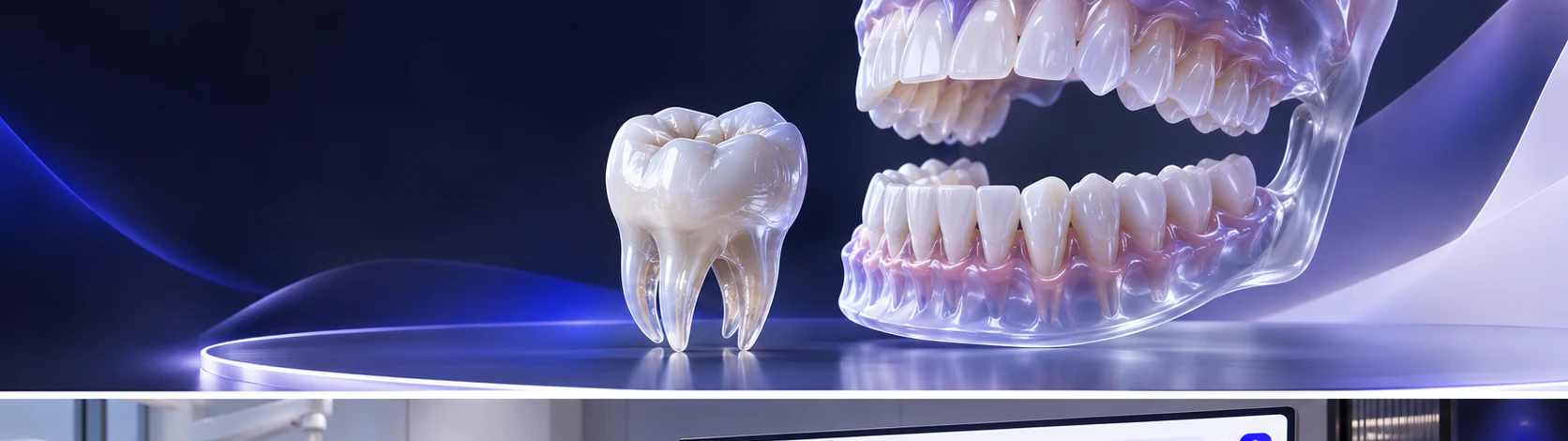
Quadrant-guided FDI odontogram
Locate the tooth by quadrant and FDI number. This step belongs to the authenticated workflow described above and follows the clinic's applicable permissions.
The FDI odontogram helps clinicians orient findings to the correct tooth and preserve the difference between an assessed state and an unknown one. Revision-aware saving supports deliberate updates as the team works through findings, periodontal observations and subsequent care planning.
Record tooth conditions, notes and periodontal observations in the unified clinical chart.
A clinician selects the correct tooth on the chart, records an observation and saves the updated clinical record.
Connected workflow · Doctors & cliniciansExplore the major moments of a precise clinical picture. and see how the workflow is organized inside Rumi Dental.
Locate the tooth by quadrant and FDI number.
Every service connects to a specific part of the practice. These are the documented capabilities behind this part of the experience.
Locate the tooth by quadrant and FDI number. This step belongs to the authenticated workflow described above and follows the clinic's applicable permissions.
Record supported observations with their assessment state. This step belongs to the authenticated workflow described above and follows the clinic's applicable permissions.
Review the change before saving to the patient chart. This step belongs to the authenticated workflow described above and follows the clinic's applicable permissions.
The FDI odontogram helps clinicians orient findings to the correct tooth and preserve the difference between an assessed state and an unknown one. Revision-aware saving supports deliberate updates as the team works through findings, periodontal observations and subsequent care planning.
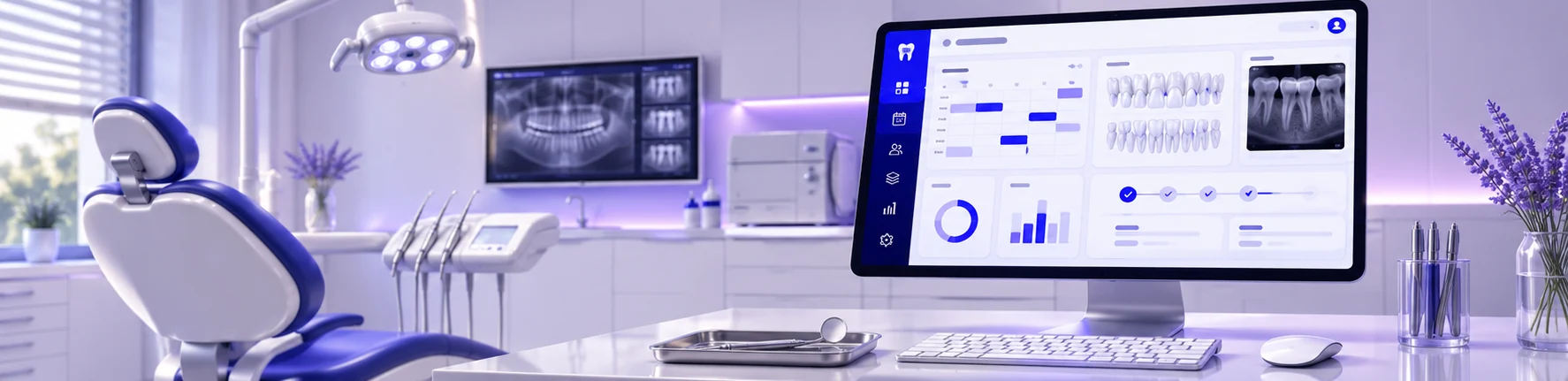
This page introduces the workflow. The examples here show how the workflow is organized inside Rumi Dental. Full access is available within the appropriate signed-in workspace.
This service is designed for doctors & clinicians and is delivered through the appropriate signed-in workspace.
No. These are public interface previews. Private patient records and clinic operations are available only inside the authenticated portal.
See how Rumi Dental can bring the people, services and everyday work of your clinic together.