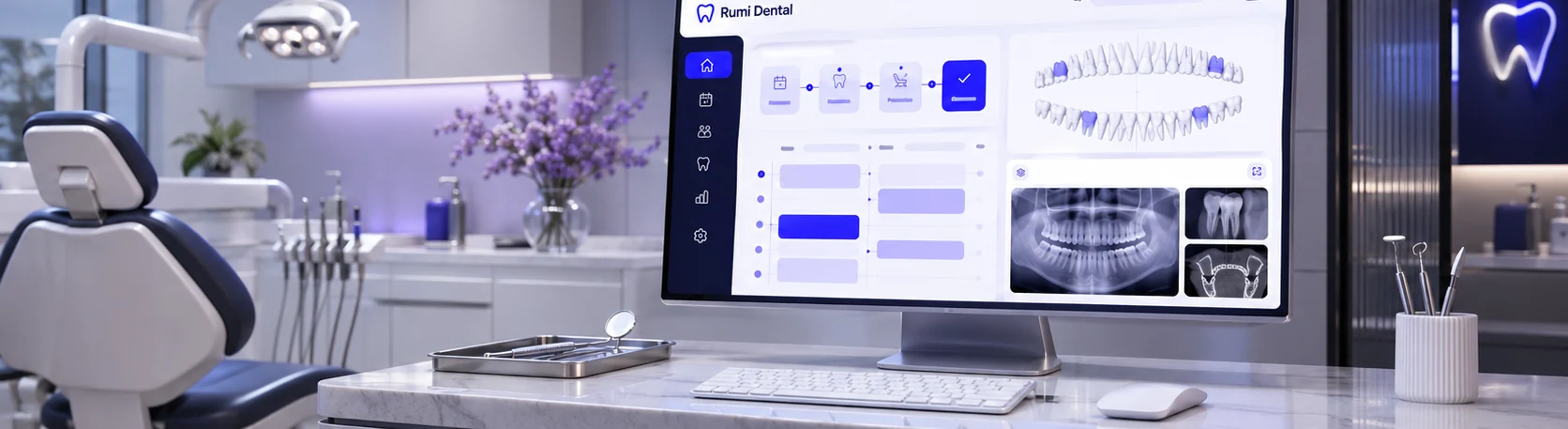
Clinic-level booking controls
Review the clinic's published booking options. This step belongs to the authenticated workflow described above and follows the clinic's applicable permissions.
Every practice needs a different balance between online visibility and controlled scheduling. Booking preferences help eligible clinics choose published request options and directory participation while retaining confirmation in the clinic workflow.
Configure a clinic website’s online appointment request availability and listing preferences.
An owner adjusts public request settings so the website reflects the clinic's preferred booking approach.
Connected workflow · Clinics & patientsExplore the major moments of online booking preferences and see how the workflow is organized inside Rumi Dental.
Review the clinic's published booking options.
Every service connects to a specific part of the practice. These are the documented capabilities behind this part of the experience.
Review the clinic's published booking options. This step belongs to the authenticated workflow described above and follows the clinic's applicable permissions.
Update eligible settings through the clinic account. This step belongs to the authenticated workflow described above and follows the clinic's applicable permissions.
Confirm that public requests remain subject to review. This step belongs to the authenticated workflow described above and follows the clinic's applicable permissions.
Every practice needs a different balance between online visibility and controlled scheduling. Booking preferences help eligible clinics choose published request options and directory participation while retaining confirmation in the clinic workflow.
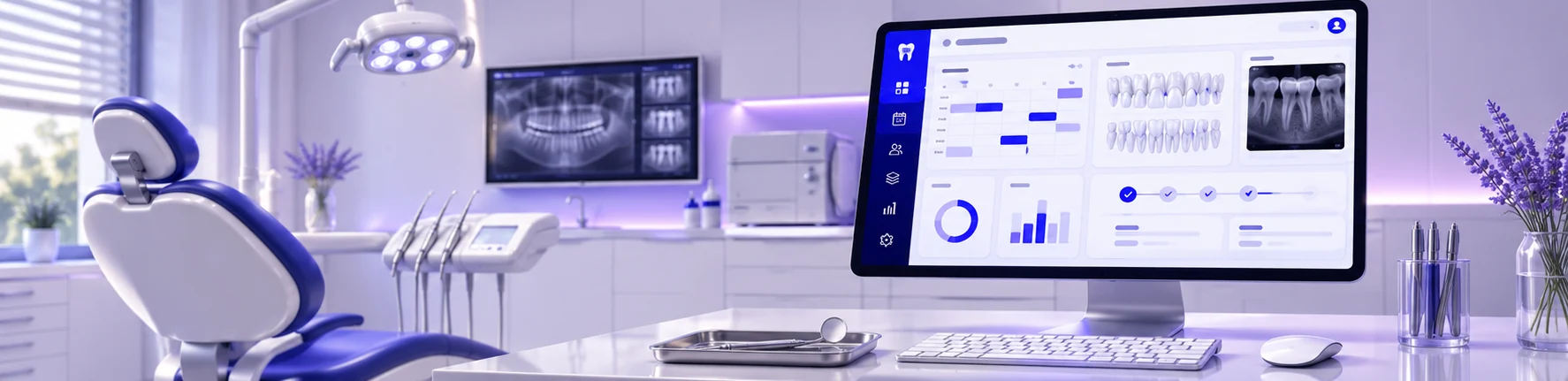
This page introduces the workflow. The examples here show how the workflow is organized inside Rumi Dental. Full access is available within the appropriate signed-in workspace.
This service is designed for clinics & patients and is delivered through the appropriate signed-in workspace.
No. These are public interface previews. Private patient records and clinic operations are available only inside the authenticated portal.
See how Rumi Dental can bring the people, services and everyday work of your clinic together.