Chair setup
Define practice chairs and visit resources. This step belongs to the authenticated workflow described above and follows the clinic's applicable permissions.
A dental appointment also needs a place to happen. Chair and resource configuration helps practices match visit types, locations and available equipment with the calendar, making the daily schedule easier for reception and clinical teams to understand.
Configure chairs, appointment types and practice resources for schedule planning.
A multi-chair clinic uses its configured resources when planning overlapping patient visits.
Connected workflow · Clinic teamsExplore the major moments of chairs and visit resources and see how the workflow is organized inside Rumi Dental.
Define practice chairs and visit resources.
Every service connects to a specific part of the practice. These are the documented capabilities behind this part of the experience.
Define practice chairs and visit resources. This step belongs to the authenticated workflow described above and follows the clinic's applicable permissions.
Associate appointment types with operational needs. This step belongs to the authenticated workflow described above and follows the clinic's applicable permissions.
Plan the day with branch-aware availability in mind. This step belongs to the authenticated workflow described above and follows the clinic's applicable permissions.
A dental appointment also needs a place to happen. Chair and resource configuration helps practices match visit types, locations and available equipment with the calendar, making the daily schedule easier for reception and clinical teams to understand.
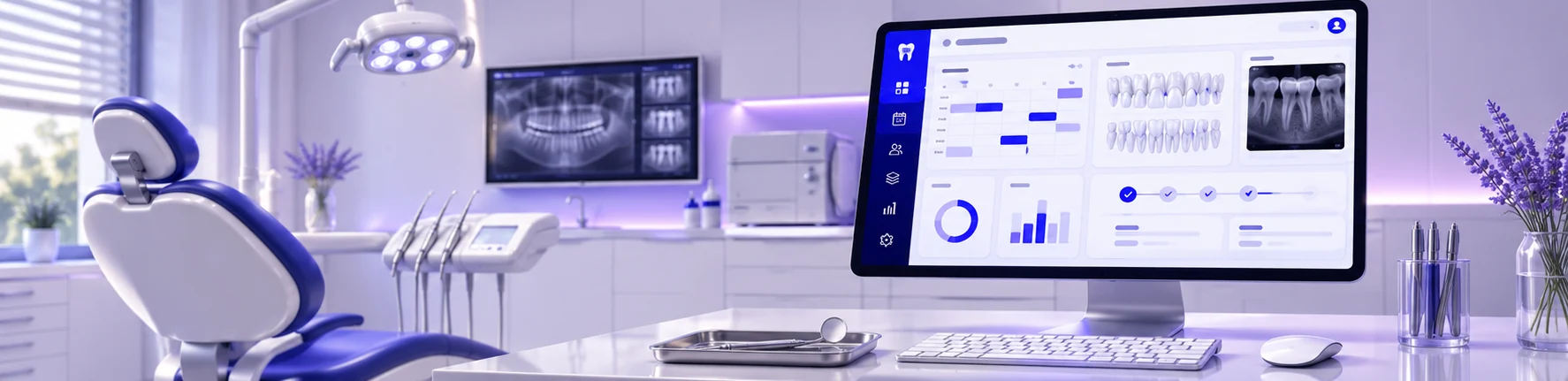
This page introduces the workflow. The examples here show how the workflow is organized inside Rumi Dental. Full access is available within the appropriate signed-in workspace.
This service is designed for clinic teams and is delivered through the appropriate signed-in workspace.
No. These are public interface previews. Private patient records and clinic operations are available only inside the authenticated portal.
See how Rumi Dental can bring the people, services and everyday work of your clinic together.